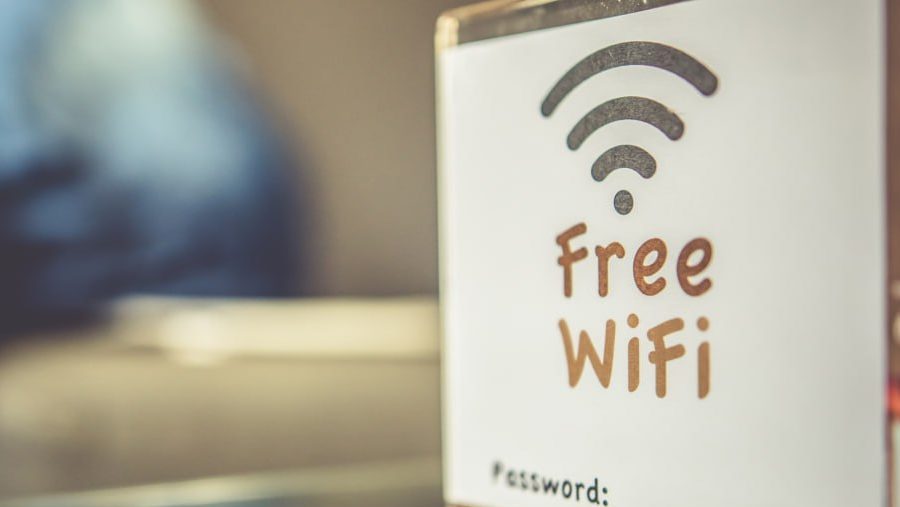
Free Wi-Fi at coffee shops, airports, or hotels seems like a great way to stay connected. You can check your email, scroll through social media, or watch videos without using up your phone’s data. But there’s a huge problem — public Wi-Fi isn’t safe. When you’re on these networks, it’s easy for hackers to steal your data, like passwords, bank info, or private messages.
Using public Wi-Fi the wrong way can put you at risk of having your information stolen or even your identity taken. In this article, we’ll explain the major dangers of public Wi-Fi and give you some simple tips to stay safe. You can use public networks without putting yourself in danger if you follow these steps.
The Hidden Dangers of Public Wi-Fi
You might wonder, “Why would anyone want my info?” The truth is, your data matters. Bad actors can use your details to steal money, pretend to be you, or sell your information.
Man-in-the-Middle (MitM) Attacks
On public Wi-Fi, one of the biggest risks is called a Man-in-the-Middle attack. Picture this: you think you’re talking directly to a website, but a hacker is secretly in the middle, reading or even changing what you send and receive. They can grab your usernames, passwords, credit card details, or any messages you send.
Unencrypted Networks
Most public Wi-Fi doesn’t protect the info being sent over it. With no encryption, your info travels through the air like a postcard that anyone nearby can read. A hacker only needs simple tools to see exactly what you’re sending or receiving.
Fake Wi-Fi Hotspots
Some hackers set up fake Wi-Fi networks with names like “Free Airport Wi-Fi” that seem trustworthy. If you connect, you’re actually talking directly to the hacker’s computer. They can use this trick to give you viruses, steal info, or send you to fake websites that try to steal your logins.
Malware Distribution
Unprotected Wi-Fi networks are a great place for hackers to spread malware (bad software). If you have a weak spot in your device, connecting to these networks can let hackers install programs that spy on you, steal your files, or even lock your device until you pay a ransom.
How to Use Public Wi-Fi Safely
Knowing the risks is important, but you also need to know how to protect yourself. Here are smart ways to use public Wi-Fi and stay safe:
1. Use a VPN (Virtual Private Network)
A VPN is a tool that protects your data on public Wi-Fi. It creates a private tunnel between your device and the internet, making everything you send or receive hidden from others. Even if someone tries to spy on you, they’ll only see scrambled information. Good VPNs aren’t always free, but the small cost is worth the protection.
2. Stick to Secure Websites (HTTPS)
When you’re sending info online, check if the website address starts with “https” (not just “http”). The “s” means secure — your data is encrypted. You can also look for a small padlock symbol in the browser. However, HTTPS alone can’t protect you everywhere on public Wi-Fi, so still use a VPN when possible.
3. Don’t Do Sensitive Stuff
Avoid signing into your bank, shopping online, or looking at private work files on public Wi-Fi. Even if you’re careful, it’s always riskier than using your private internet at home. If you have to access personal accounts, turn on your VPN first.
4. Turn Off Sharing and Use a Firewall
Your device might automatically share files or printers, especially if you do this at home. But on public Wi-Fi, this makes your device an easy target. Before connecting, turn off sharing features in your settings. Also, make sure your firewall is on — it stops unwanted connections from reaching your device.
5. Enable Two-Factor Authentication (2FA)
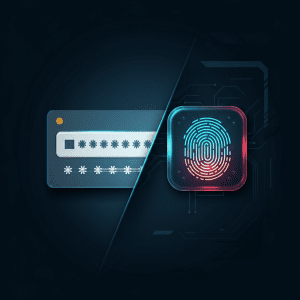
Two-factor authentication (2FA) adds another level of safety to your accounts. Even if someone gets your password, they can’t log in without the second step, usually a code sent to your phone. Always turn on 2FA for your important accounts like email, bank, and social media.
6. “Forget” the Network After Using It
When you’re done with public Wi-Fi, make your device “forget” the network. This stops it from connecting automatically in the future, which could put you at risk without you realizing it.
Make Your Online Safety a Priority

Public Wi-Fi is useful, but you should always think twice about security. The internet is full of risks, and you need to protect your personal info whenever you go online. Using a VPN, visiting secure sites, and being careful with what you do can help keep you safe.
Don’t wait until something bad happens. Check your security settings now and consider using a VPN. Taking these steps can save you a lot of trouble later.
Share this Post
What's New?
SASE vs. VPN: Which Is Better for Today’s Remote Workforce?
Why Your Business Needs More Than Antivirus Software
Ransomware Explained: How It Works and How to Stop It

Behind the Scenes: What 24/7 IT Monitoring Really Looks Like