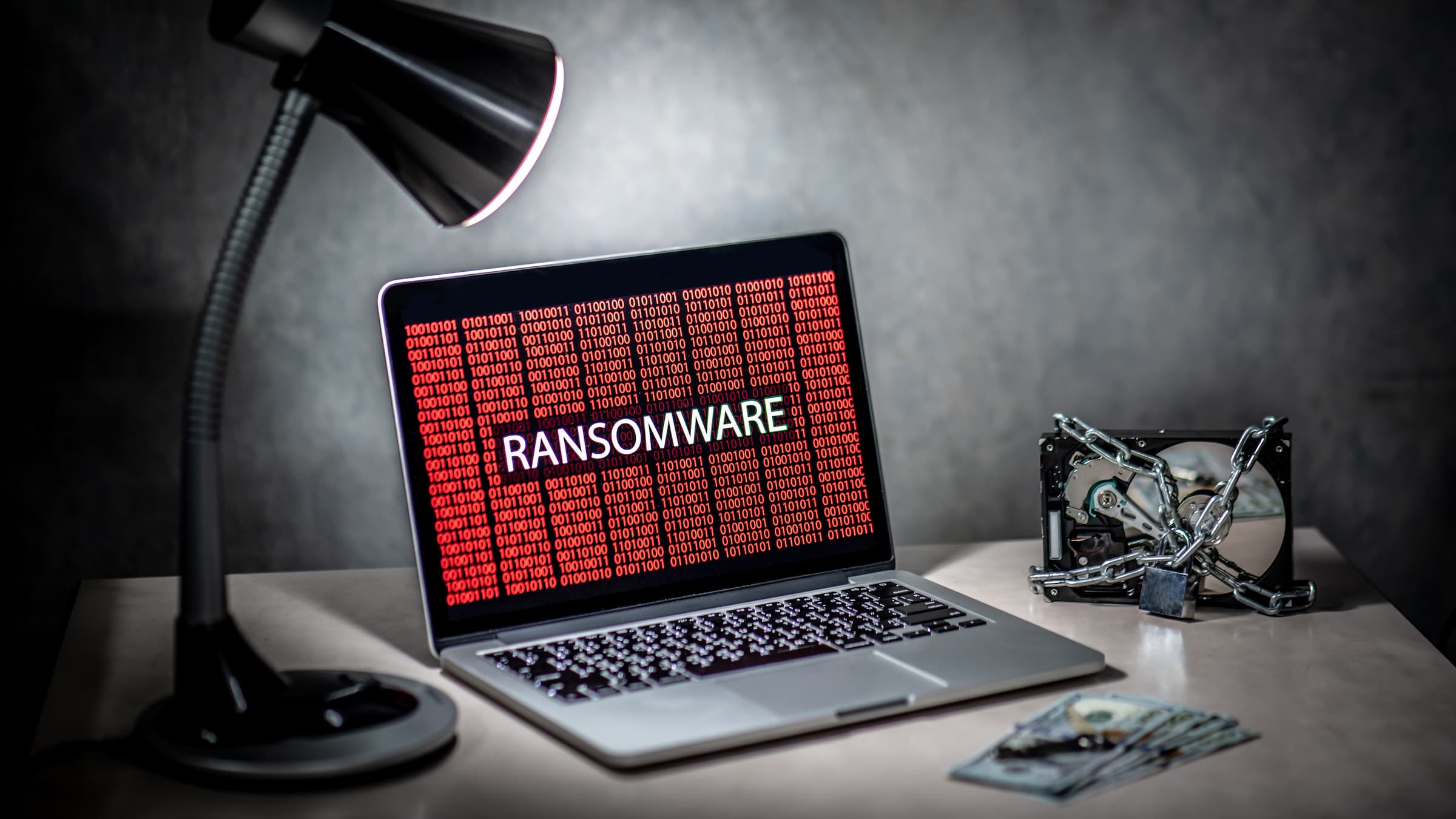
One wrong click can shut down an entire company. That’s what ransomware does. It’s a type of harmful software that locks your files or devices and demands money to unlock them. In 2024 alone, ransomware attacks cost companies billions of dollars in payments, lost time, and recovery costs.
What Is Ransomware and How Does It Work?
Ransomware is malware that blocks you from accessing your files or devices until you pay a ransom. Attackers usually ask for payment in cryptocurrency because it’s hard to trace. Their goal is simple: lock something important and make you pay to get it back.
Most attacks follow the same basic steps. The malware sneaks onto a device through a fake email, a weak password, or a bug in software. Then it spreads quietly through the network, searching for files and backups. Finally, it locks everything down and shows a message telling you how to pay.
Why criminals love ransomware
Ransomware makes a lot of money and is low-risk for attackers. Crypto payments are hard to track, and many victims pay quickly just to get back to normal. Some criminal groups even rent out ransomware tools to other criminals and take a cut of the profits. It’s become a massive underground business.
A mistake many people make
A lot of victims think that paying the ransom means they’ll get their data back. That’s not always true. Many victims who pay never fully recover their files, and some get attacked again. Paying also helps criminals fund future attacks. Think of it as a last resort, not an easy fix.
The Main Types of Ransomware
 Ransomware doesn’t always work the same way. Understanding the different types helps you know what you’re dealing with.
Crypto-ransomware
This is the most common type. It scrambles your files — photos, documents, databases — so you can’t open them without a special key. Your computer still turns on, but your data is out of reach. WannaCry and CryptoLocker are two well-known examples.
Locker ransomware
This type locks you out of your whole device. You can’t open any apps, files, or your desktop. All you see is the ransom message. Your data usually isn’t destroyed, but you can’t get to it until the lock is removed.
Double extortion
This newer trick makes things worse. Attackers steal your data first, then lock it. If you don’t pay, they threaten to post your private information online. That means having a backup isn’t enough to protect you anymore. Many of today’s most dangerous ransomware groups use this method.
Triple extortion
This goes even further. On top of stealing and locking your data, attackers might also target your customers or partners, or crash your website with an online attack. The goal is to cause as much panic as possible so you pay faster.
How Ransomware Spreads

Knowing how ransomware gets in is the first step to stopping it.
Phishing emails
Fake emails are the most common way ransomware spreads. A believable message tricks someone into clicking a bad link or opening an infected file. That one click can start the whole attack. These emails often look like they come from coworkers, banks, or delivery services.
Weak remote access
Remote Desktop Protocol (RDP) lets IT teams access computers from far away. But if passwords are weak or access isn’t secured, attackers can sneak in. Criminals scan the internet looking for these open doors.
Infected downloads and old software
Ransomware can also come from fake apps, shady ads, or unsafe websites. Software that hasn’t been updated is especially easy to attack. WannaCry worked so well partly because many computers hadn’t installed a security update that was already available.
The Real Cost of a Ransomware Attack

The damage goes way beyond whatever ransom gets paid.
For businesses, the biggest problem is usually down
time. Every hour the system is offline means lost money, missed work, and unhappy customers. Getting back to normal can take days or even weeks. Add in legal costs and fines, and the total bill often ends up much bigger than the ransom itself.
A company’s reputation can take a serious hit too. When customers hear their data was exposed, they lose trust. Some small businesses never fully recover.
Individuals aren’t safe either. Losing family photos, important documents, or financial records can be really painful. And if attackers steal personal data, identity theft is another risk.
How to Prevent Ransomware and Respond If It Happens
You can’t guarantee you’ll never be attacked, but you can make yourself a much harder target. And strong preparation helps you recover faster if something does go wrong.

Keep good backups
Backups are your biggest safety net. Use the 3-2-1 rule: store three copies of your data, on two different types of storage, and keep one copy offline or off-site.
- Back up important data regularly and automatically.
- Keep at least one backup disconnected from your network so ransomware can’t get to it.
- Test your backups regularly to make sure you can actually use them.
Train your team
People are often the easiest way in for attackers — but they can also be your best defense. Regular training helps employees spot fake emails and suspicious links. Practice with fake phishing tests, teach safe habits online, and make it easy for people to report something without getting in trouble.

Improve your technical security
A few basic steps can close the most common entry points:
- Update your software to fix known security holes.
- Use two-step verification on all accounts, especially for remote access.
- Limit what people can access so they only reach what they need.
- Lock down or turn off RDP if you don’t use it.
- Install security software that can catch threats before they cause damage.
Have a plan ready before an attack happens
When ransomware hits, acting fast matters. A written plan helps your team stay calm and make the right moves. Your plan should cover:
- Who to call: List your response team, managers, and any outside experts.
- How to contain it: Disconnect infected devices right away to stop the spread.
- How to recover: Write out the steps to restore from backups and check that systems are clean.
- Who to notify: Know your legal responsibility to report the attack to the right people.
Practice the plan so everyone knows what to do when it counts.
Things to avoid
Don’t pay the ransom unless you’ve run out of other options — and even then, talk to law enforcement first. Don’t try to clean an infected device on your own if you’re not an expert; you could delete important evidence or miss hidden malware. And don’t skip software updates.
Conclusion: Be Prepared, Not Panicked
 Ransomware is a serious threat, but it’s not impossible to handle. The people and businesses that bounce back fastest are the ones who prepared ahead of time — with good backups, trained staff, and a solid response plan. Preventing an attack costs far less than recovering from one.
Start small this week: check that your backups are working and that at least one is stored offline. Then plan some team training and make sure your software is up to date. Every step you take makes you a tougher target — and that’s how you stay one step ahead.
Share this Post
What's New?
No Single Tool Keeps You Safe. Here’s How the Layers Work Together.

Remote Access Without Leaving the Door Open

Admin Accounts Are the Keys to the Kingdom. Who’s Holding Them?

Antivirus Isn’t Enough Anymore. Here’s What Comes Next.